Steam now shows average Steam Deck framerates before you buy
A histogram exposes stutter that an average hides, data covers thousands of Deck-tested games, and desktop PCs are next via an opt-in on the Steam Client Beta.
Stories on esportz.fun are written by the esportz.fun team under house pen names. About our authors
Steam store pages now show the average framerate real players get in a game on Steam Deck. Valve switched the feature on with a Steam update announced on November 9, 2026 (US time), and says "thousands of games" already have data. The numbers come from Deck owners who opted in to share anonymous performance data.
To find it, open a game's store page and go to Steam Deck Compatibility, then Learn more. Desktop PCs are next, but only as an opt-in test for now.
What's confirmed
Which games. Valve's announcement says framerate data appears for games that have been through Deck compatibility testing, whether they are rated Verified, Playable or Unsupported. A game needs a minimum number of data points before an average is shown, so small titles may have none.
Where it appears. The average sits under Steam Deck Compatibility on the store page. It also shows in the Steam Library, but only on the Steam Client Beta for now.
The histogram. An expandable view breaks down the share of samples at each framerate. Valve says small columns at the low end are a sign of hitches or stutter, which an average alone would hide.
How the data is filtered. Only sessions at the Deck's default frame limit count: 90fps on Steam Deck OLED and 60fps on the LCD model. Valve does not adjust for custom in-game settings, but says the data still clusters in fairly narrow ranges.
The VSync gaps. Valve explains that a chart jumping between 90 and 45 usually means VSync is at work. A game rendering at 75fps on a 90Hz screen alternates between full and half refresh, so the average lands at 75 while the histogram shows two spikes.
Opting in or out. Valve says a majority of Deck players have opted in. You can change it under Steam account settings, then Data & Browsing, then Anonymous Game Framerate Data.
Desktop next. Valve calls this "a stepping stone" towards framerate data for more devices. Steam Client Beta users on desktop are now being asked to opt in, and Valve says that prompt will reach everyone later.
Background
Until now, a Deck buyer had two signals: Valve's Deck Verified badge, which launched with the handheld in February 2022, and user reviews. Valve's own post admits the badge has limits. An Unsupported game may run well enough for some players, and a Verified game may not hit the framerate others want. Tom's Hardware adds that Steam already lets reviewers attach their hardware specs, but few people do, so that data is thin.
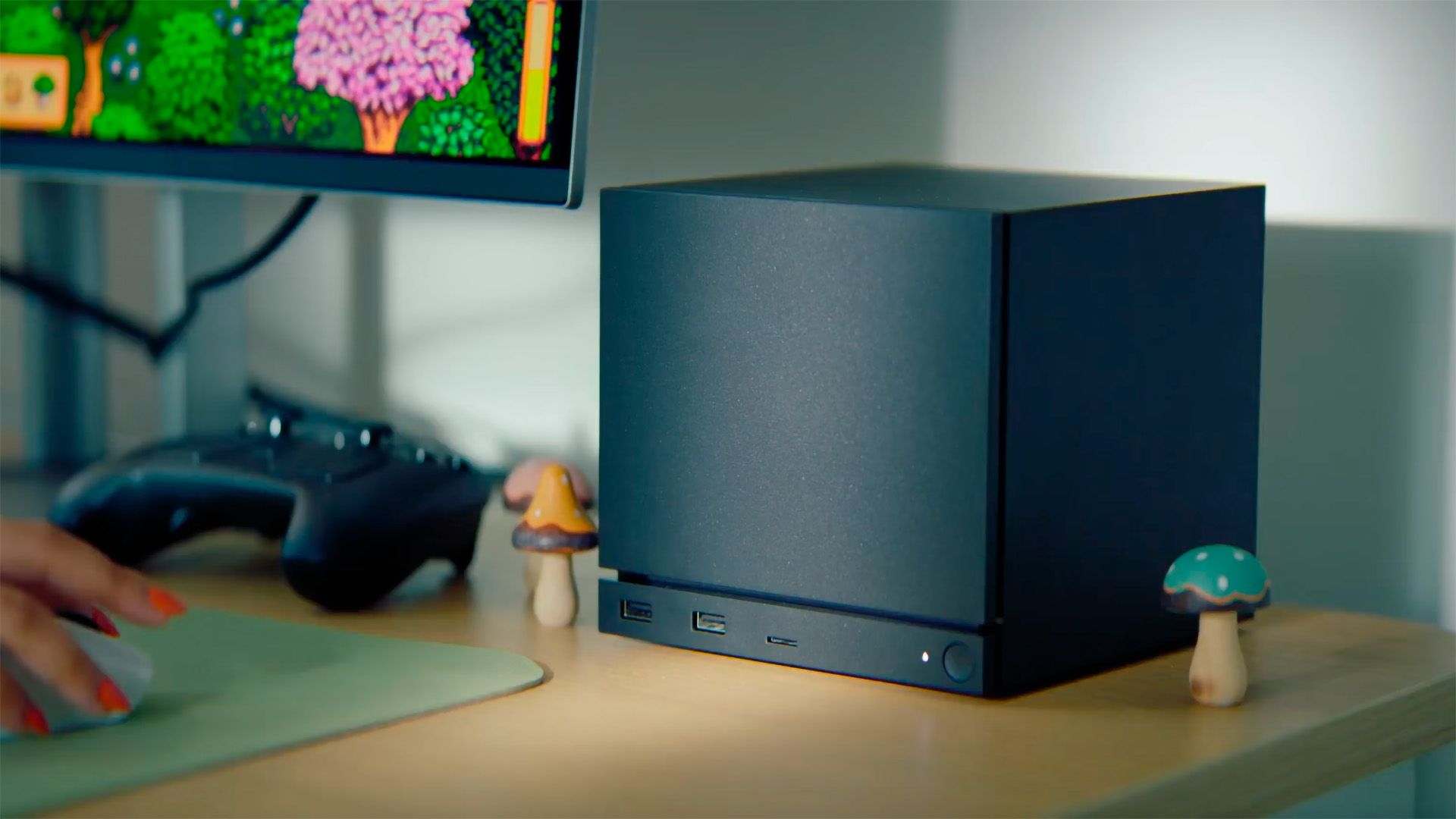
Valve says it started with the Deck because every unit has the same hardware, which makes averages meaningful. Tom's Hardware expects the system to extend to Valve's Steam Machine and Steam Frame, and eventually to ordinary gaming PCs, though Valve has not said how desktop data would be grouped by GPU or CPU.
My take: what it means for players
This is the most useful thing Valve has added to the store for handheld players since the Verified badge itself. A green tick told you a game would boot and the text was readable. It never told you whether a game sat at a steady 40fps or swung between 25 and 60 in busy fights. The histogram does, and stutter is the thing that actually ruins a handheld session.
It also fixes a problem I have with the old way of judging Deck performance: guessing from YouTube videos and forum posts recorded on different settings and older patches. Here the sample is huge and the settings baseline is fixed, even if in-game tweaks are not accounted for.
The limits are worth knowing. If you own a ROG Ally, Legion Go or another Windows handheld, these numbers are a rough guide at best, because the hardware is different. And averages can hide one bad area in an otherwise smooth game. For buyers in Malaysia and the rest of Southeast Asia, where every ringgit counts during a sale, it pairs well with Steam's two-hour refund rule. Check the histogram first, then refund within two hours of play if it still disappoints.
What we don't know yet
- Desktop timing. Valve says the desktop opt-in will reach all users "in the future", with no date.
- How PCs will be grouped. Whether desktop data will be shown by GPU, CPU or full system has not been explained.
- Coverage. Valve has not published the minimum number of samples a game needs before data appears.
- Other handhelds. There is no word on data for non-Valve handheld PCs.
Quick facts
| Key | Value |
|---|---|
| Feature | Average Steam Deck framerate plus a histogram on store pages |
| Announced | November 9, 2026 (Steam news post) |
| Games covered | Thousands, all Deck-tested (Verified, Playable, Unsupported) |
| Data baseline | Default frame limit only: 90fps OLED, 60fps LCD |
| Where | Store page, Steam Deck Compatibility, Learn more; Library on Client Beta |
| Next step | Opt-in framerate sharing on desktop, Client Beta first |
FAQ
Where do I see a game's Steam Deck framerate?
On the game's Steam store page, open Steam Deck Compatibility and select Learn more. It also appears in the Library if you use the Steam Client Beta.
Where does Valve's framerate data come from?
From Steam Deck owners who opted in to share anonymous framerate data. Valve says most Deck players have done so.
Does it account for graphics settings?
No. Valve only uses sessions at the default frame limit and does not adjust for in-game settings, though it says results still cluster tightly.
Will this come to desktop PCs?
Valve plans to. Desktop users on the Steam Client Beta are being asked to share framerate data now, with a wider rollout later.
More: AMD confirms a Radeon driver bug that keeps SSDs writing.
Sources: Steam (Valve, Steam Deck Framerate news post); Tom's Hardware; PlayingTux. Image: Tom's Hardware feed image.