Drift Splatter beginner guide: fuel, drifts and roulette
Drift Splatter basics: why drifting keeps your blood-fuelled car alive, how the upgrade roulette works, controller layout from patch 1.5, and random events.
On this page15 sections
- Quick answer
- Step by step
- TL;DR
- What the game is
- What you need first
- Step by step: your first runs
- Controller layout
- Random events to expect
- FAQ
- How do you refuel in Drift Splatter?
- Can you play Drift Splatter with a controller?
- Is Drift Splatter free?
- What does Leaking Tank do in Drift Splatter?
- Questions
- Sources
Quick answer
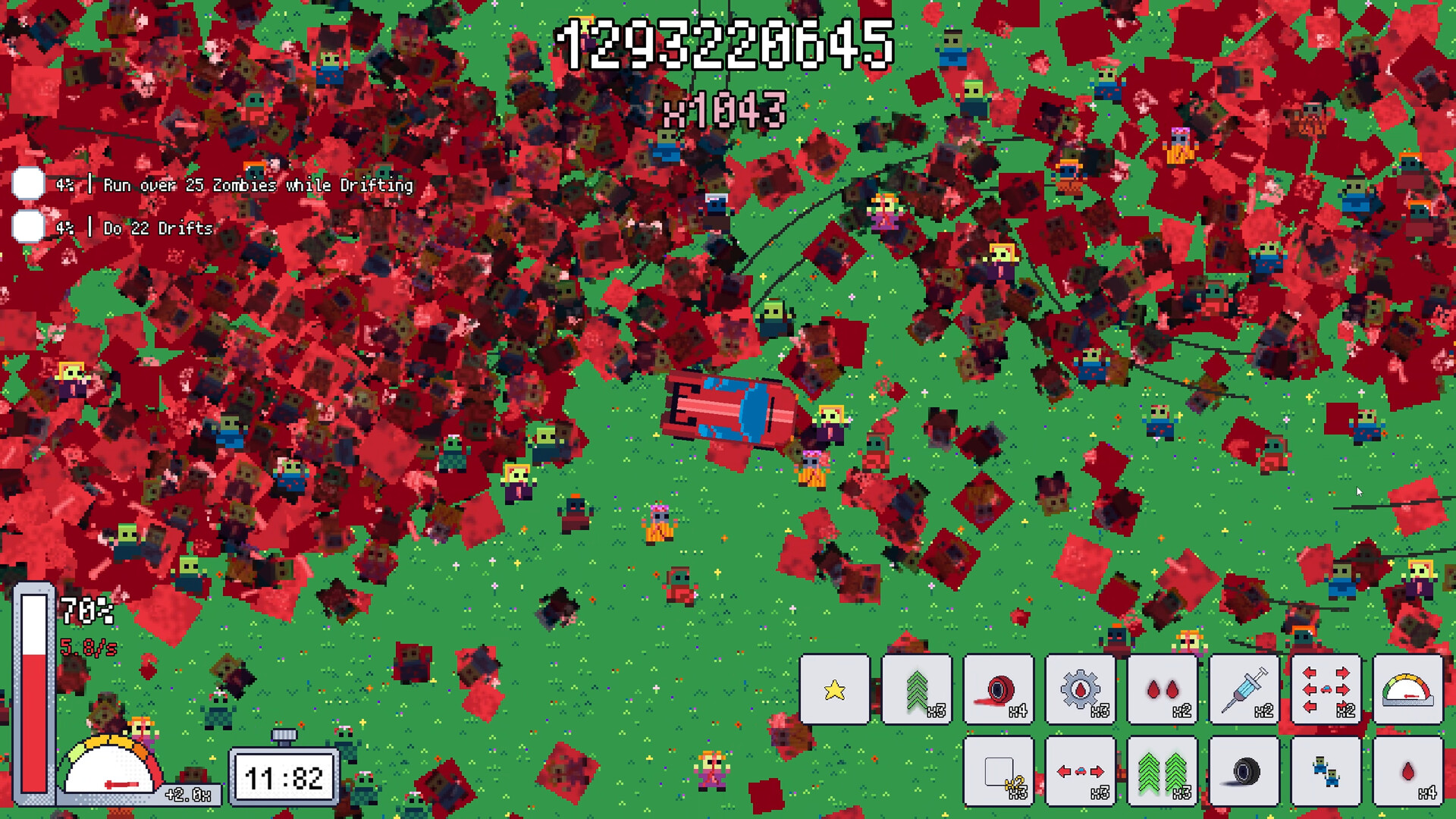
- 01 In Drift Splatter your car runs on zombie blood, and drifting through the horde squeezes out more blood than driving straight.
- 02 The roulette hands out upgrades and boosts at random, and the developer warns it can leave you stranded.
- 03 Update 1.5 added full controller play: left stick aims, RT or A accelerates, Start pauses.
- 04 The game is free on Steam and posts endless-run scores to leaderboards.
Step by step
-
Open the tutorial
A patch on 31 October restored the tutorial button from the demo, so start there.
-
Pick a car
Choose your ride before the run; each car handles differently.
-
Drift when fuel runs low
Slide through groups of zombies rather than hitting them head-on to refill faster.
-
Take the roulette gamble
Spin for upgrades and boosts, accepting that the wheel decides what you get.
-
Push for a leaderboard score
Keep the run alive as long as you can, then compare your score on the Steam leaderboard.
TL;DR
- In Drift Splatter your car runs on zombie blood, and drifting through the horde squeezes out more blood than driving straight.
- The roulette hands out upgrades and boosts at random, and the developer warns it can leave you stranded.
- Update 1.5 added full controller play: left stick aims, RT or A accelerates, Start pauses.
- The game is free on Steam and posts endless-run scores to leaderboards.
What the game is
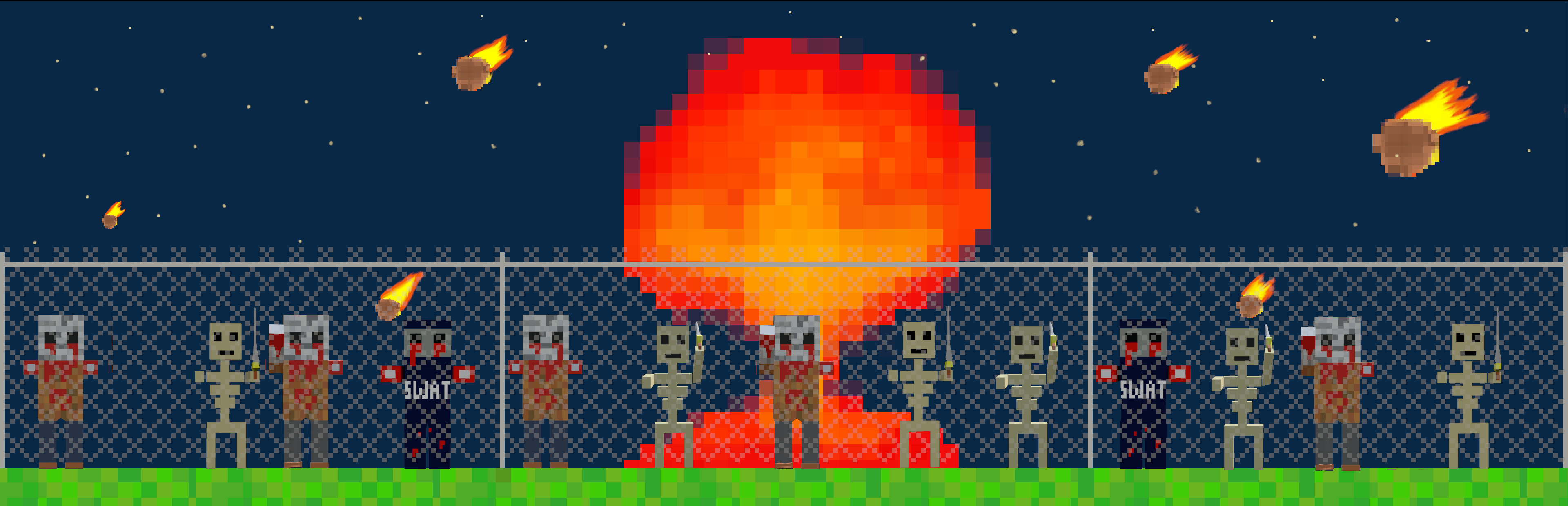
Drift Splatter is a free arcade roguelite by BrunuuDev, released on Steam for Windows on 30 October 2026. You choose a car, ram through an endless zombie horde and try to keep the engine running as long as possible. Runs end when the fuel is gone, and the score goes to Steam leaderboards. It has 24 achievements and menus in English, Spanish and Portuguese.
What you need first
Steam asks for Windows 10, a quad-core processor, 4 GB of RAM and 300 MB of storage. You can play with mouse only or with a pad. Since update 1.5, a connected controller is picked up automatically and clicking the mouse switches back; the options menu has a control mode setting (Automatic, Mouse or Controller) plus vibration on or off and a button guide. The developer calls it Steam Deck friendly.
Step by step: your first runs
- Open the tutorial. A patch on 31 October restored the tutorial button from the demo, so start there.
- Pick a car. Choose your ride before the run; each car handles differently.
- Drift when fuel runs low. Slide through groups of zombies rather than hitting them head-on to refill faster.
- Take the roulette gamble. Spin for upgrades and boosts, accepting that the wheel decides what you get.
- Push for a leaderboard score. Keep the run alive as long as you can, then compare your score on the Steam leaderboard.
Controller layout
Patch 1.5 lists the default pad controls. The left stick aims the car, RT or A accelerates, Start pauses and B goes back. LB and RB switch songs, Select plays or stops the music, and the right stick scrolls lists. The same patch lowered music and sound effect volume, added a softer low-fuel warning and turned VSync on by default for new installs. Bug fixes in 1.5 also stopped round-duration changes from items carrying over into the next run, stopped fleeing and mini zombie events persisting after you quit to the menu mid-event, and fixed a rare roulette crash, so update before judging how a run feels.
Random events to expect
The June demo update introduced six random events that also shape full runs. A Ghost Zombie hunts you and holds your car for five seconds if it grabs you. A Black Hole pulls in and crushes nearby zombies. Leaking Tank makes you burn 50% more fuel, so drift harder while it lasts. Electric supercharges your speed, Ring of Fire closes a wall of flame you must stay inside, and a Tornado throws zombies across the map. The same update added a challenge for running over zombies while staying on the road.
FAQ
How do you refuel in Drift Splatter?
Run over zombies to collect blood, which is your fuel. Drifting through them squeezes out more blood than hitting them straight.
Can you play Drift Splatter with a controller?
Yes. Update 1.5 added full controller support for driving and every menu, and the game switches automatically when a pad is connected.
Is Drift Splatter free?
Yes. Drift Splatter is free to play on Steam for Windows, so there is no price in any regional store.
What does Leaking Tank do in Drift Splatter?
Leaking Tank is a random event that cracks your fuel tank and makes your car burn 50% more fuel while it lasts.


Questions
How do you refuel in Drift Splatter?
Run over zombies to collect blood, which is your fuel. Drifting through them squeezes out more blood than hitting them straight.
Can you play Drift Splatter with a controller?
Yes. Update 1.5 added full controller support for driving and every menu, and the game switches automatically when a pad is connected.
Is Drift Splatter free?
Yes. Drift Splatter is free to play on Steam for Windows, so there is no price in any regional store.
What does Leaking Tank do in Drift Splatter?
Leaking Tank is a random event that cracks your fuel tank and makes your car burn 50% more fuel while it lasts.