Apocalyptica beginner guide: survive, build and level up
Starting Apocalyptica? The six survival stats, why sanity matters, how harvesting, base building and classes work, and which custom settings to change.
On this page15 sections
Quick answer
- 01 Survival in Apocalyptica means keeping six needs in check: health, food, water, radiation, temperature and sanity.
- 02 Everything in the world is destructible and can be harvested, feeding more than 100 crafting materials.
- 03 Your base has to hold against monster onslaughts, so build for defence as well as looks.
- 04 Custom settings let you change difficulty, building collapse and game speed, or switch any or all monsters off.
Step by step
-
Set the rules
Choose difficulty and game speed in the custom settings before your first world loads.
-
Harvest everything nearby
Terrain and monsters both break down into materials, so gather broadly while you learn what each one crafts.
-
Cover the basics
Keep food and water topped up and watch temperature and radiation as weather and biomes change.
-
Protect your sanity
Low sanity brings nightmares that can kill, so treat it as seriously as health.
-
Raise walls before you decorate
Build a defensible shelter first, since monster onslaughts come for your base, then paint and texture it later.
TL;DR
- Survival in Apocalyptica means keeping six needs in check: health, food, water, radiation, temperature and sanity.
- Everything in the world is destructible and can be harvested, feeding more than 100 crafting materials.
- Your base has to hold against monster onslaughts, so build for defence as well as looks.
- Custom settings let you change difficulty, building collapse and game speed, or switch any or all monsters off.
What the game is
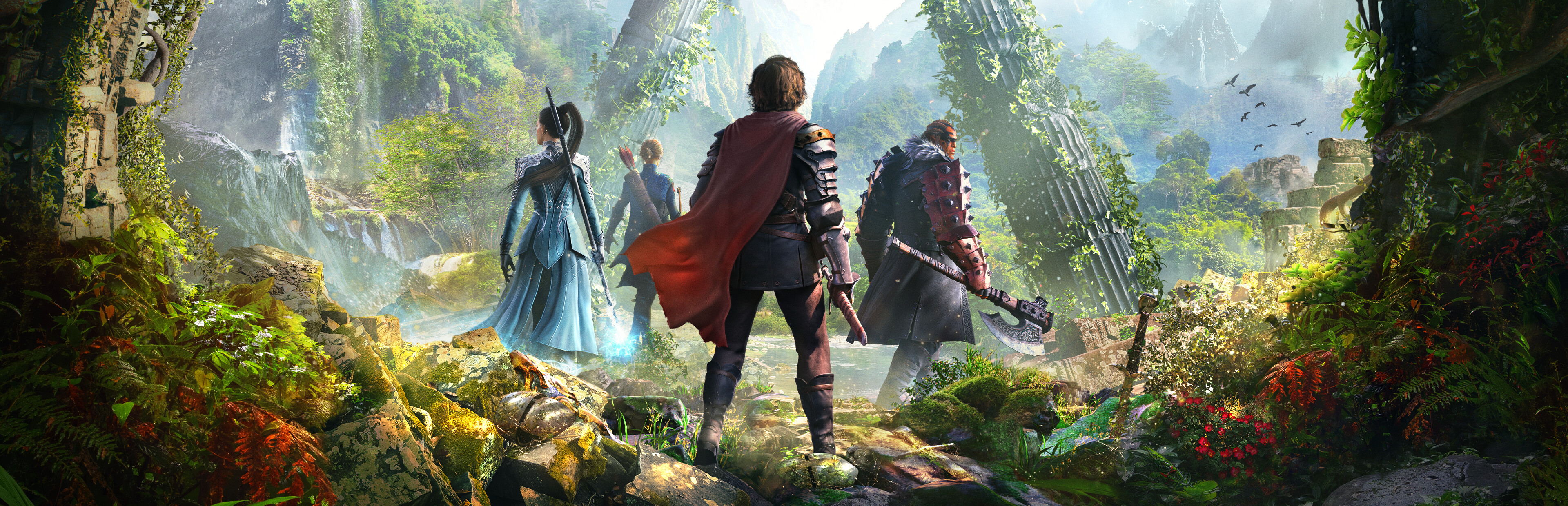
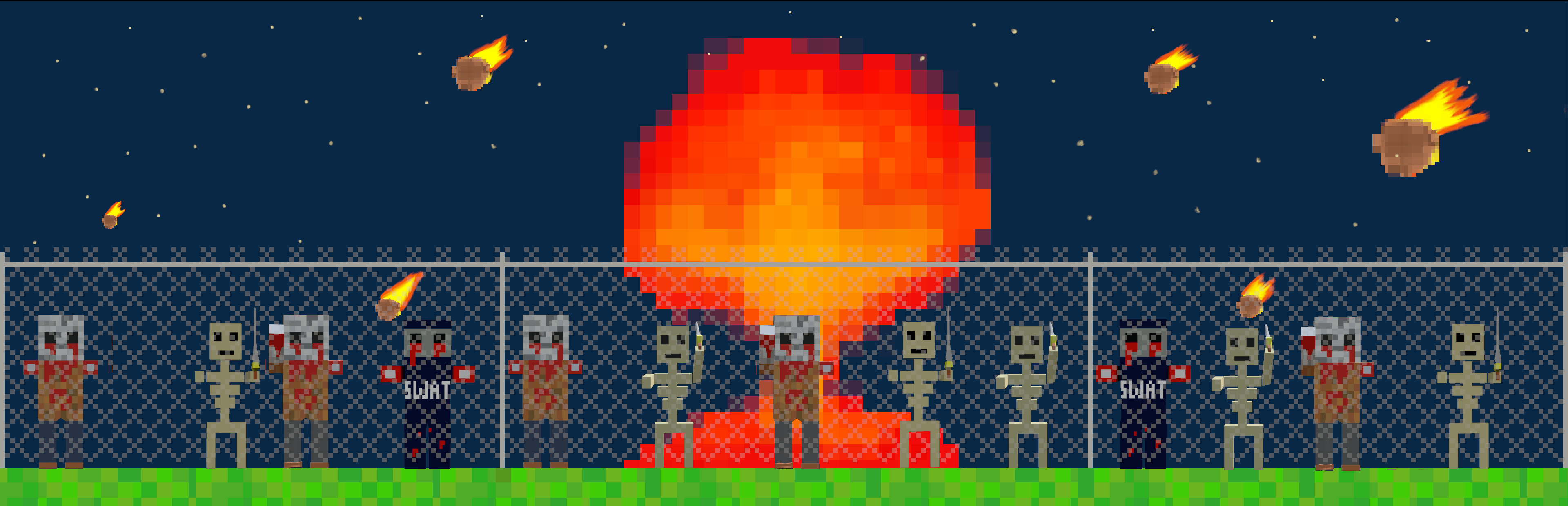
Apocalyptica is a single-player open-world survival crafting game with RPG progression, made and published by Soullessregent Gaming. It launched on Steam for Windows on 30 October 2026 at US$16.99, and a free demo is available. The world spans eight major biomes with more than 75 points of interest, more than 100 monster types, 40-plus status effects and 12 weather conditions.
What you need first
Check the specs; they are higher than the art style suggests. Steam's minimum is 64-bit Windows 10, an Intel i5-3570, 12 GB of RAM, a GTX 1650 or GTX 1050 Ti (or an RX 470 or RX 570) and 20 GB of storage. Steam does not list controller support, so plan on mouse and keyboard. The game is English only.
If the default challenge is too much, open the custom settings before you start. You can lower the difficulty, slow the game speed, change whether buildings collapse, or disable monsters entirely for a pure building run.
Step by step: your first nights
- Set the rules. Choose difficulty and game speed in the custom settings before your first world loads.
- Harvest everything nearby. Terrain and monsters both break down into materials, so gather broadly while you learn what each one crafts.
- Cover the basics. Keep food and water topped up and watch temperature and radiation as weather and biomes change.
- Protect your sanity. Low sanity brings nightmares that can kill, so treat it as seriously as health.
- Raise walls before you decorate. Build a defensible shelter first, since monster onslaughts come for your base, then paint and texture it later.
Classes, spells and gear
Character growth runs on six classes, 20 skills, more than 30 spells and 80 abilities, and you equip armour, melee weapons, guns, spells and explosives on top. Armour also matters for the elements, because the game asks you to adapt your gear to shifting conditions. Cosmetic changes to weapons and armour are separate from their stats, so you can keep a look you like. Base design works the same way: walls and rooms come in different shapes, materials and textures, and paint lets you give a stronghold its own colours once it is safe. Because the whole world is destructible, the ground around your base is also a resource, so clearing space and gathering materials can happen in the same trip.
Optional quests
Quests pay gold and rewards and come in six types. Buried Treasure sends you after a map marker. Juggernaut pits you against one empowered monster. Eradicate asks you to clear every monster at a location. Race is a timed run to a finish line. King of the Hill has you defend a spot while monsters swarm it. Untouchable asks for a full clear without taking any damage. Steam leaderboards and 58 achievements give longer goals.
FAQ
What does sanity do in Apocalyptica?
Sanity is one of six survival stats. If it drops too low, nightmares set in and they can kill your character.
Can you play Apocalyptica without monsters?
Yes. The custom settings let you disable any or all monsters, as well as change difficulty, game speed and building collapse.
Is Apocalyptica co-op?
No. Steam lists Apocalyptica as single-player only, with Steam leaderboards and achievements but no online or local co-op.
Is there an Apocalyptica demo?
Yes. A free Apocalyptica demo is on Steam, so you can check performance on your PC before buying the full game.


Questions
What does sanity do in Apocalyptica?
Sanity is one of six survival stats. If it drops too low, nightmares set in and they can kill your character.
Can you play Apocalyptica without monsters?
Yes. The custom settings let you disable any or all monsters, as well as change difficulty, game speed and building collapse.
Is Apocalyptica co-op?
No. Steam lists Apocalyptica as single-player only, with Steam leaderboards and achievements but no online or local co-op.
Is there an Apocalyptica demo?
Yes. A free Apocalyptica demo is on Steam, so you can check performance on your PC before buying the full game.